 )
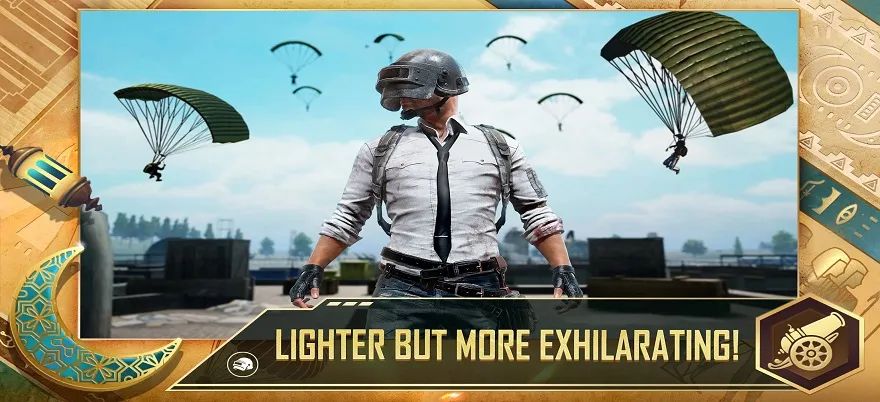
)This time, we’re checking into PUBG Mobile Lite APK, the lighter version of PUBG Mobile that still packs the same survival thrill. Built with Unreal Engine 4, it’s optimized for low‑end devices but keeps HD graphics, 3D sound, and the same intense gameplay. In this game, you will land, loot, and survive against other players, and the pace stays fast from the first minute.
What Makes PUBG Mobile Lite APK Worth Playing
PUBG Mobile Lite APK is designed for devices with lower specifications, yet it still delivers the core battle royale experience with smaller maps and fewer players. Matches feel quicker, and you don’t need long sessions to enjoy the full gameplay loop.
This version keeps the essential mechanics intact, so you still parachute into the map, collect weapons, and fight to be the last one standing. PUBG Mobile Lite APK focuses on efficiency, and that keeps performance stable while gameplay remains competitive.
Game Features in PUBG Mobile Lite APK
Now let’s move into the features that define how the game feels in action. Stick with us guys, because this part explains why matches feel fast and consistent.
Optimized Graphics for Better Performance
The game runs with adjusted visuals that fit lower-end devices, and this keeps frame rates stable during combat. You can move, aim, and react without lag interrupting your actions.
Smaller Map with Faster Matches
Maps are more compact compared to the main version, so encounters happen more frequently. This keeps every match active and reduces waiting time.
Balanced Weapon System
Weapons follow the same logic as the main game, so you can choose between rifles, shotguns, and snipers depending on your play style. Each weapon feels consistent during fights.
Team-Based Modes Available
You can play solo or team up with others, and teamwork adds another layer of strategy during matches.
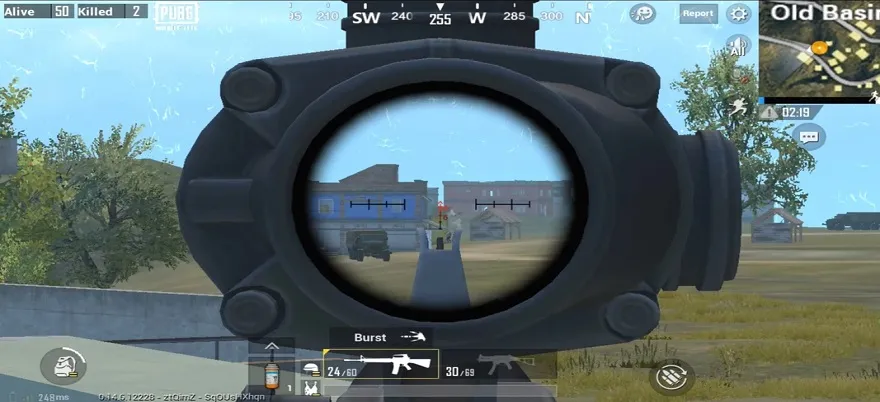
Gameplay Experience in PUBG Mobile Lite APK
Now we focus on how the game actually plays. Here’s a clear look at what you will experience in each match:
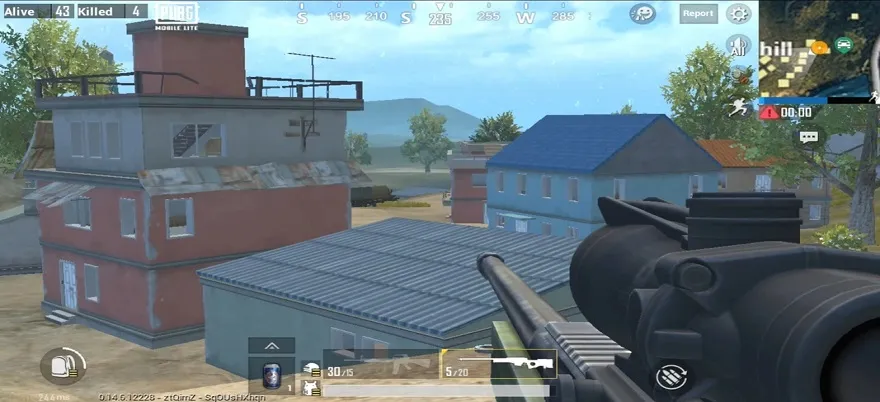
- You parachute into a smaller map with around 60 players, and the action starts quickly.
- You search for weapons, armor, and supplies while staying inside the safe zone.
- You engage in fast-paced combat, and positioning matters just as much as aiming.
- You move strategically as the map shrinks, and each zone pushes players closer together.
- You aim to survive until the end, and the last player or team wins the match.
Weapons and Equipment in PUBG Mobile Lite APK
| Category | Examples | Usage in Gameplay |
|---|---|---|
| Assault Rifles | M416, AKM, SCAR‑L | Balanced for mid‑range combat |
| Sniper Rifles | Kar98k, M24 | Long‑range precision shots |
| Submachine Guns | UMP45, PP‑19 Bizon | Close‑range rapid fire |
| Shotguns | S12K, S686 | High damage at very short range |
| Pistols | P92, Desert Eagle | Backup weapons for emergencies |
| Melee Weapons | Pan, Machete | Close combat and blocking bullets (Pan) |
| Throwables | Frag Grenade, Smoke, Molotov | Tactical tools for offense and cover |
| Armor & Helmets | Level 1–3 sets | Reduce damage and increase survival chances |
| Healing Items | Bandages, First Aid, Med Kit | Restore health during or after firefights |
| Boost Items | Energy Drink, Painkillers | Increase movement speed and recovery over time |
How to Process PUBG Mobile Lite Download
If you’re ready to jump into the game, let’s go through the steps so everything works properly on your device.
Step 1: PUBG Mobile Lite APK Download
Head over to APKsPURE and locate the official PUBG Mobile Lite APK Download page. Download the file and wait until it finishes completely.
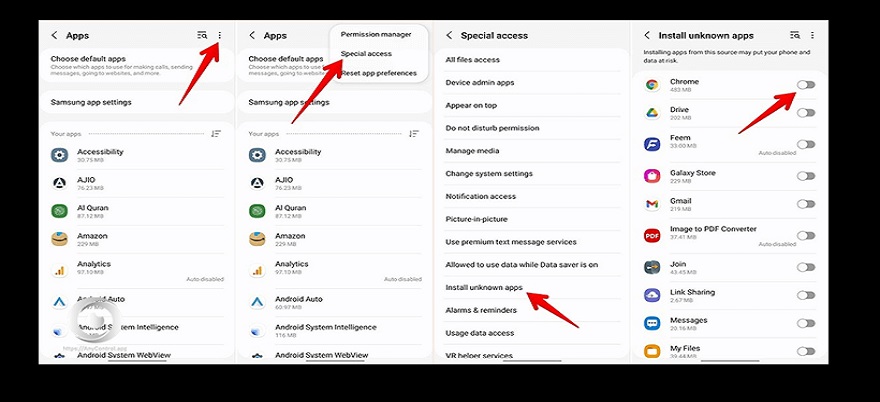
Step 2: Enable Unknown Sources
Open your device settings, go to security options, and allow installation from unknown sources so your system accepts the file.
Step 3: Install the Game
Find the downloaded file in your storage, tap it, and complete the installation process.
Step 4: After finishing with PUBG Mobile Lite Download, Launch and Start Playing
Once installed, open the game and begin your first match right away.
You can download another shooting game such as:
Tips to Improve in PUBG Mobile Lite APK
Now that everything is set, let’s go through some simple tips so your matches feel more controlled and effective.
Choose Landing Spots Carefully
Landing in crowded areas gives you quick action, while quieter spots give you time to prepare. Pick based on your strategy.
Manage Your Equipment
Carry weapons that fit your play style, and always keep enough ammo and healing items.
Stay Inside the Safe Zone
The shrinking zone forces movement, so always keep an eye on the map and reposition early.
Use Cover During Combat
Walls, rocks, and buildings help you survive longer, so don’t stay exposed during fights.
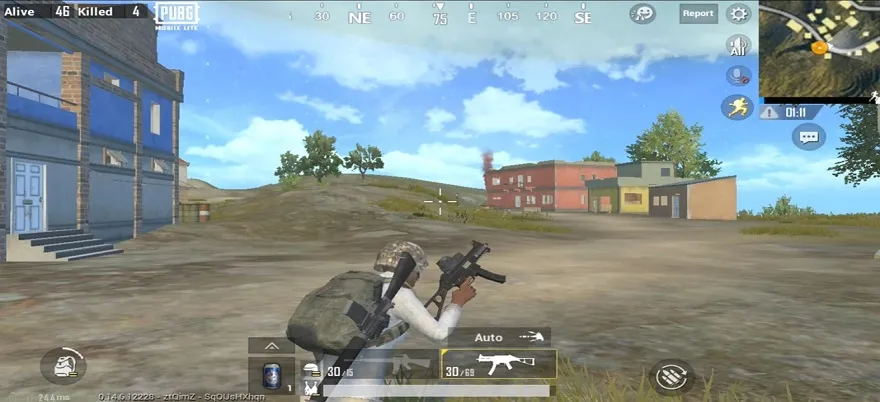
Start Your Match with PUBG Mobile Lite APK Today
You’ve seen how PUBG Mobile Lite APK works, and now it’s time to jump into the battlefield. Visit APKsPURE and grab your PUBG Mobile Lite Download or PUBG Mobile Lite APK Download, then start your match and test your survival skills.
Keep practicing, improve your strategy, and enjoy every match, guys.
What is the maximum frame rate supported in PUBG Mobile Lite APK?
PUBG Mobile Lite APK caps frame rate at 30fps to keep performance stable on low‑end devices.
Does PUBG Mobile Lite APK support gyroscope aiming?
PUBG Mobile Lite APK includes gyroscope controls for players who prefer motion aiming.
Can you upgrade weapon skins in PUBG Mobile Lite APK?
Yes, PUBG Mobile Lite APK offers skin upgrades through events and in‑game purchases.
How many outfits can be stored in PUBG Mobile Lite APK?
PUBG Mobile Lite APK lets players store unlimited outfits in their inventory.
Can PUBG Mobile Lite APK players use emotes?
Yes, PUBG Mobile Lite APK supports emotes for communication and fun during matches.